When your storage needs outgrow your desktop NAS, the next step isn’t always obvious. Choosing between a compact desktop unit and a larger rackmount system depends on where you’ll install it, how much space you have, and how far your setup must scale. We break down the key differences in tested refurbished Qnap and Synology NAS, so you can match your business NAS storage to today’s demands—and tomorrow’s growth—with confidence. Read more about the comparison here.
Understanding Desktop vs Rackmount NAS
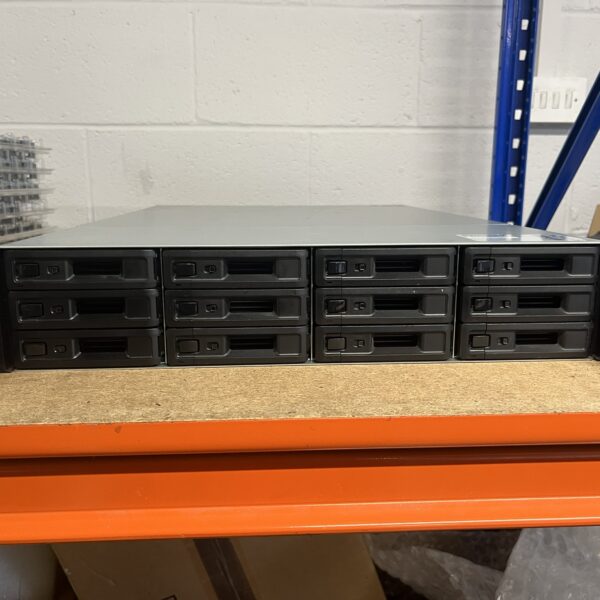
Choosing the right storage solution starts with understanding the differences between desktop and rackmount NAS systems. Let’s explore what sets these two options apart.
Key Differences in Layout and Design
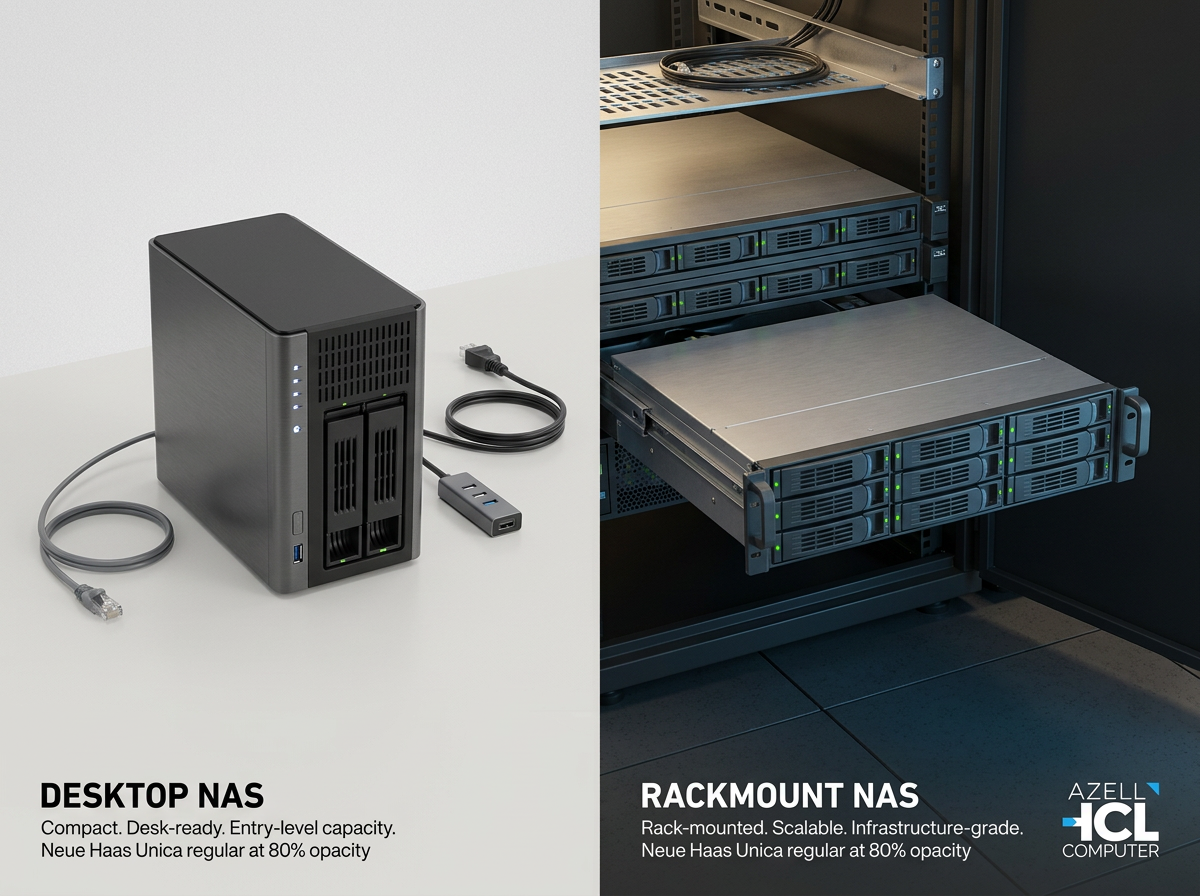
Desktop NAS units are compact, making them ideal for small spaces. They often sit quietly on a desk or shelf, perfect for home offices or small businesses. On the other hand, rackmount NAS systems are designed to fit into server racks, catering to larger businesses or data centres. Their layout supports easy stacking and access, making them a popular choice for high-volume storage needs.
When it comes to design, desktop models are more user-friendly with straightforward setup and minimal maintenance. In contrast, rackmount systems offer more complex configurations but provide greater expandability. Hot-swap drive bays in rackmount units allow for quick upgrades, a feature not always present in desktop versions.
Form Factor and Space Considerations
Space plays a crucial role in deciding between desktop and rackmount NAS. Desktop models require minimal room, making them suitable for environments where space is at a premium. They also offer quiet operation, which is essential for settings where noise could be disruptive.
Rackmount systems, although more space-consuming, offer greater storage capacity. They’re built for environments with dedicated server rooms where space is abundant. The form factor of these units is typically standardised, allowing for efficient utilisation of rack space. This makes them perfect for growing businesses that anticipate significant data needs.
Desktop NAS vs Rackmount NAS: Which Fits?
Deciding which NAS fits your needs depends on your current and future storage requirements. Desktop NAS units are great for smaller operations with limited space and moderate storage needs. They’re easy to manage and cost-effective, making them a good starting point for many businesses.
Rackmount NAS systems excel in scalability. If you foresee growth or already manage large data volumes, a rackmount solution offers the flexibility and capacity needed to keep up with demand. They might require more investment upfront, but the long-term benefits in a growing business environment can outweigh these initial costs.
Selecting the Right Refurbished NAS
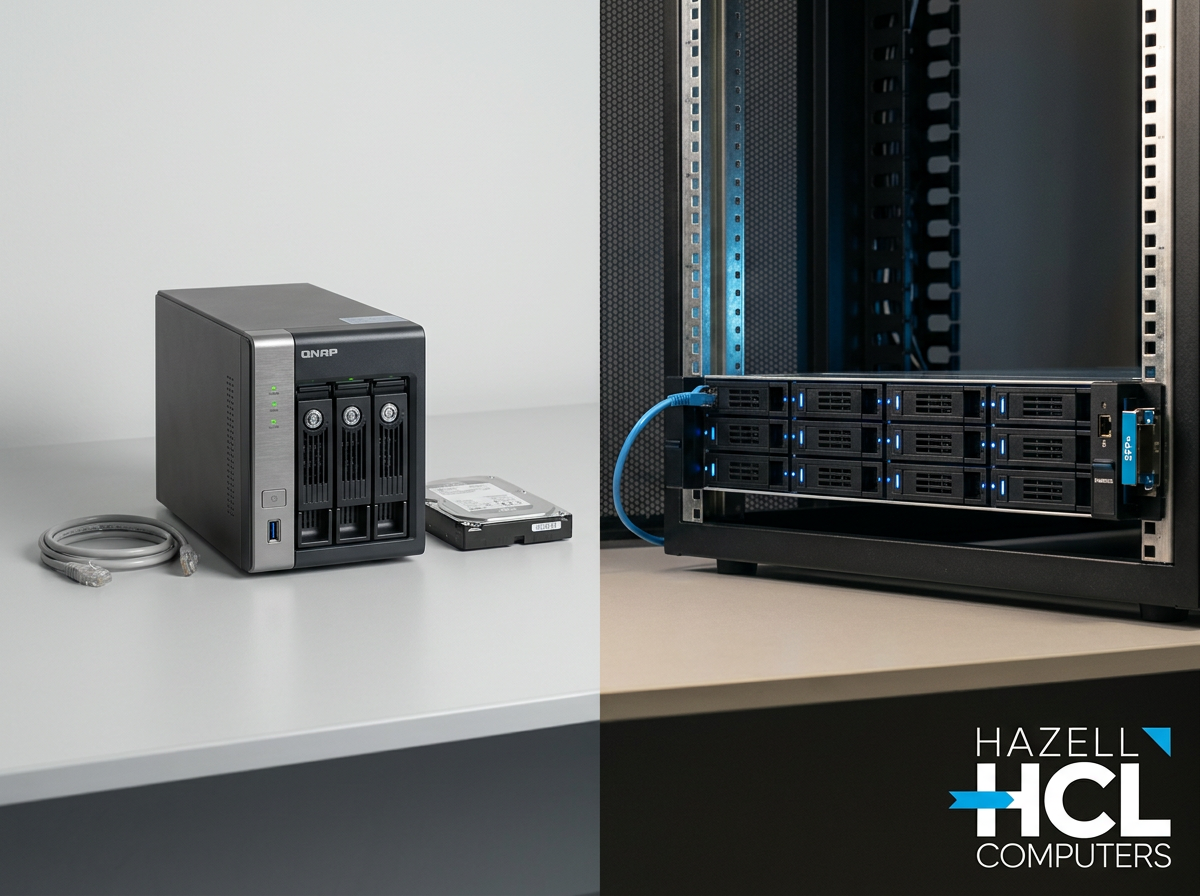
Now that you’re familiar with the basic types of NAS, let’s focus on choosing a refurbished model that balances quality, reliability, and cost. Explore detailed insights here.
Evaluating Qnap and Synology Options
Both Qnap and Synology offer excellent refurbished NAS systems. Qnap is known for its robust performance and versatile applications. Synology, however, shines with its user-friendly interface and reliable backup solutions. When evaluating these brands, consider your specific needs: data capacity, ease of use, and software support.
Look for models that have undergone rigorous testing to ensure they meet high standards of quality and reliability. A 90-day warranty is a good indication of a trustworthy refurbished product, providing peace of mind and assurance in your purchase.
Ensuring NAS Scalability and Reliability
Scalability is key when planning your storage strategy. Both Qnap and Synology provide expansion units that allow your NAS to grow with your business. Qnap expansion enclosures and Synology expansion units integrate seamlessly with existing setups, offering an uncomplicated path to increased storage capacity.
Reliability is equally important. Invest in tested refurbished hardware to minimise the risk of failure. This not only protects your data but also ensures you maintain seamless operations without costly interruptions.
The Role of Tested Refurbished Hardware
Refurbished hardware offers a cost-effective alternative to new products. When properly tested, these units can function as reliably as new ones. Ensure the hardware has undergone comprehensive testing to detect and eliminate potential issues.
Refurbished NAS systems can provide substantial savings while maintaining high performance. They allow businesses to invest in quality storage solutions without breaking the bank, making them an attractive choice for budget-conscious organisations.
Planning for Storage Expansion and Upgrades
Planning for expansion ensures your storage solution remains effective as your business grows. Let’s look at how to prepare for future needs.
NAS Expansion Units and Scalability
Expansion units are vital for growing businesses. They connect directly to your existing NAS, providing additional storage without needing a complete overhaul. This modular approach allows you to scale efficiently, accommodating increased data demands over time.
Choosing the right expansion units can make a significant difference. Look for compatibility with your existing NAS and consider units with hot‑swap drive bays to facilitate easy upgrades.
Advantages of a 10GbE NAS Upgrade
Upgrading to a 10GbE NAS significantly enhances data transfer speeds, crucial for businesses handling large files or requiring rapid data access. This upgrade supports the demands of modern applications, improving productivity and efficiency.
Faster network speed reduces bottlenecks, ensuring smooth operations and quick data retrieval. This kind of upgrade can future-proof your business, accommodating increasing traffic and data volume without compromising performance.
Future-Proofing Your Business NAS Storage
To future-proof your NAS, start by evaluating your long-term storage needs. Invest in systems that support easy upgrades and offer flexibility. Consider potential technological advancements and ensure your NAS can adapt to these changes.
By planning ahead, you secure a storage solution that grows with your business, safeguarding your data and ensuring operational continuity. This strategic approach positions your company for success, no matter how data demands evolve.
In conclusion, choosing between desktop and rackmount NAS systems involves assessing current needs and future growth. With the right refurbished Qnap or Synology model, you gain a reliable, scalable solution that adapts to your business’s changing landscape.